
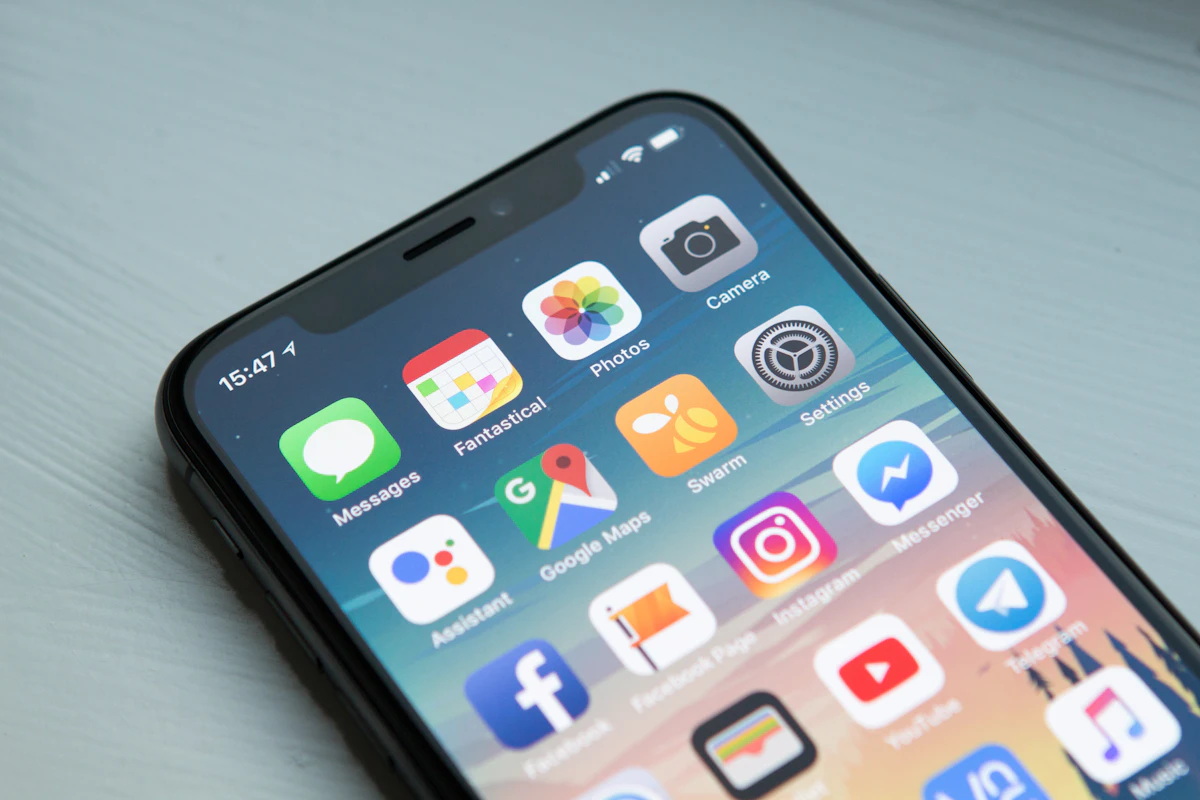
Why Is Dark Mode Important? The Snapchat Case
What dark mode does, why users ask for it, and what Snapchat reviews showed.
About this article: we first published it on the Pivony blog in 2022, when Snapchat users were asking for dark mode in their reviews. Pivony has no partnership with Snap, and this is an independent reading of public reviews.
Imagine a notification popping up while you read this, asking whether you want to switch to dark mode. Would you? Many people already use it on every app they can.
What dark mode does
Dark mode is a display setting that switches light backgrounds to dark ones and dark text to light text. The result is mostly dark, not an exact inverse of the light theme. Today you can turn it on in most operating systems and in many apps on desktop, iOS and Android.
Why people want it
- Comfort in low light. A bright screen in a dark room is tiring. According to Nielsen, in early 2018 adults spent more than 11 hours a day with media on their devices, so small changes in eye strain add up.
- Battery life. Google has said dark mode saves battery on OLED screens; at 50% brightness, YouTube's dark theme uses about 15% less screen energy than a white background.
- It started with developers. Programmers who look at code for long hours used dark themes first, and the habit spread to everyday apps.
- It looks good. For many users, that is reason enough.
The Snapchat finding
When we grouped Snapchat's app reviews by topic, one request came up again and again from users around the world: dark mode. Many people use Snapchat for hours a day, for chatting and creating content, and they expected it to keep up with a feature most other apps already had.
Dark mode is just one example. As an app grows, so does the feedback, and every recurring request is a chance to improve before a competitor does.
What app teams can take from this
- Read requests, not just complaints. "Please add dark mode" is not an angry review, but it tells you what your most engaged users expect.
- Count how often a request repeats. A request that appears across countries and months is a product priority, not a one-off.
- Close the loop. When you ship a requested feature, tell the people who asked for it. A short "you asked, we built it" reply in the app stores turns reviewers into fans.
Find the requests in your own reviews
- Free review report: paste your App Store or Google Play page into our free review root-cause report. You get the top themes, their likely causes and example reviews by email within one business day.
- Competitor reviews: Pivony Market Intelligence shows what users of competing apps ask for.
- If you'd like to see it on your own data, book a demo.
Frequently asked questions
Why is dark mode important?
It is more comfortable in low light, it saves battery on OLED screens (Google has said so; YouTube dark theme uses about 15% less screen energy at 50% brightness), and many users simply prefer how it looks.
How do you find feature requests in app reviews?
Group reviews by topic and by intent (complaint, suggestion, praise), then count how often each suggestion repeats across countries and months. Requests that keep coming back are product priorities.
See root causes on your own feedback
Book a 15-minute demo, or get a free RCA in 48 hours with no sales call.
Related articles
Consumer Intelligence Platforms for Customer Retention: Pivony vs Qualtrics vs Medallia vs Chattermill vs Gainsight
Consumer IntelligenceWhat Is the Best Consumer Intelligence Platform for Customer Retention vs Qualtrics?
Consumer IntelligenceCustomer Retention Analytics vs Churn Prediction: When You Need VoC Root Cause Analysis